Data can be lost or corrupted in a number of ways:
Accidental deletion
Malware infection of the system
Mechanical failure*
Prolonged Use of the Drive
Data on your hard drive can degrade as a result of malware or virus infection, accidental deletion or simply prolonged normal use of your system. Data lost in this manner is usually recoverable at minimal cost. We have a free diagnosis and initial scanning process to determine if your data can be recovered and whether the hard drive is physically damaged. If your data corruption happened as a result of software related problems, it can be placed back on the same drive once recovered. If the hard drive is experiencing mechanical failure, it will be necessary to replace it.
PRICING
$50
FLAT RATE
On all hard drives with used space of less than or equal to 2GB.
$25
ADDITIONAL CHARGE
For every gigabyte of storage above 2GB.
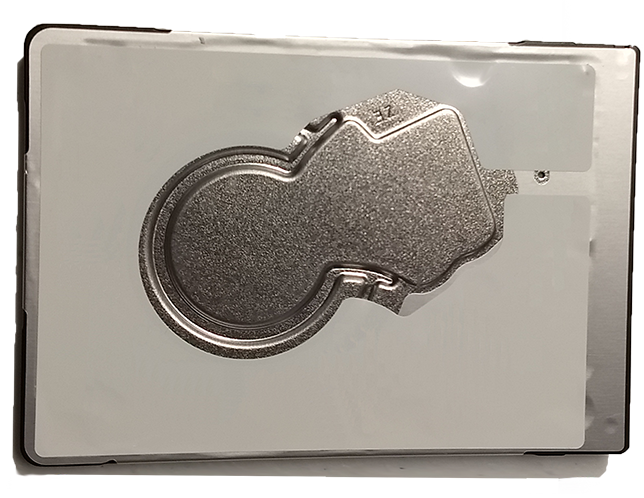
*Data that is lost as a result of a mechanical failure that prevents the hard drive from starting requires more specialized service than we currently offer. This is an expensive recovery service that may be worth it if crucial data is lost. We recommend choosing a data recovery company that specializes in recovery of this type and uses a certified clean room during the process. Small particles in the normal environment can cause problems with data recovery if the drive has to be disassembled.
Hard Drive Upgrade
FRUSTRATED
With Slow Loading Times?
HDD
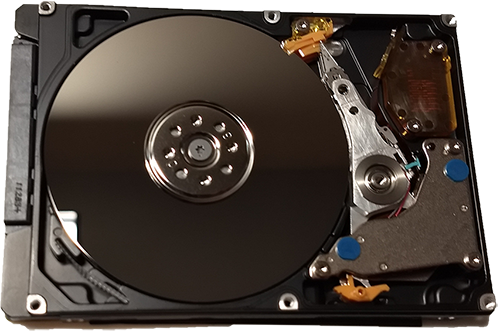
This is the hard drive (also called an HDD) that you probably have in your laptop. It uses mechanical parts to read from the disk. Your applications have to wait for the parts to be in place before they are loaded.
SSD
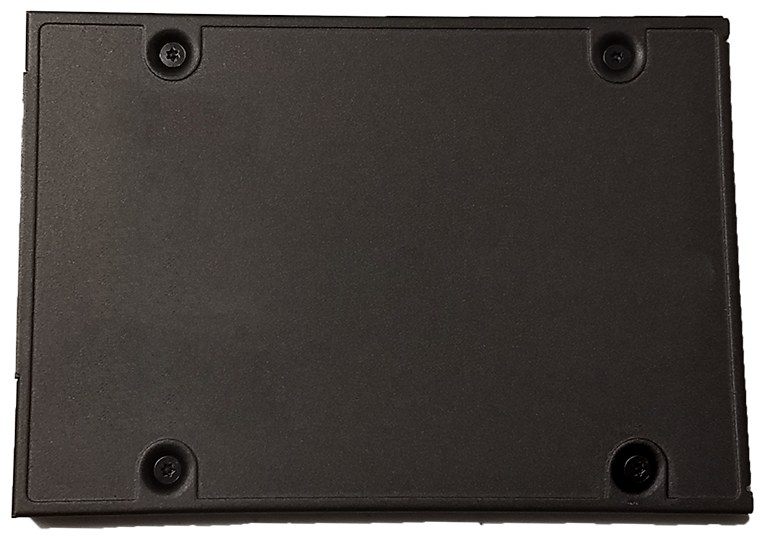
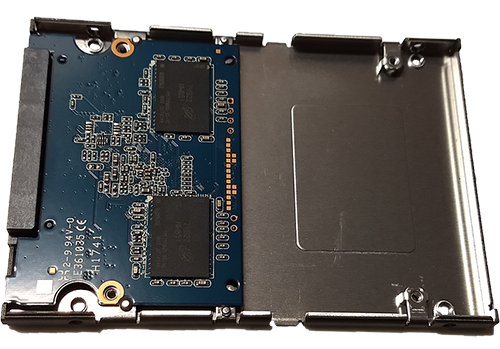
This is a solid state drive or SSD. It uses no moving parts, is more reliable, durable, and loads applications far faster than a traditional hard drive.
BENEFITS OF UPGRADING TO A SOLID STATE DRIVE
Performance
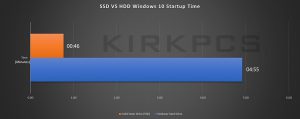
An SSD shows 3x to 5x increased performance (charts below) over standard hard drives. This incease is even more pronounced for loading times.
Reliability
An SSD contains no moving internal parts, this enhances reliability and greatly reduces loading times.
Easy to Upgrade
When using this upgrade service your original applications and data will be preserved.* The computer is returned to you booting up just as before, only faster.
Startup time in Windows 10 of a hard drive VS a solid state drive.
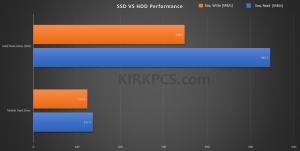
This is a benchmark designed to measure the read and write speed of data.
The following drives were benchmarked (CrystalMark 6.0.0 x64):
Drive
Sequential Read [MB/s]
Sequential Write [MB/s]
1TB Western Digital Blue 5400 RPM (laptop 2.5″ form factor), 128 MB Cache (Model# WD10SPZX)
137.2
124.5
500GB Western Digital 3D NAND SSD (2.5″) (Model# WDS500G2B0A)
545.7
348.6
PROCESS
Order
Fill in your email in the box below. Send us a Facebook message if you have further questions.
Drop-Off
We will reply to you via email and setup an appointment to drop-off the computer at your convenience.
Finished.
Within one business day we will contact you again and return your upgraded computer to you. During this time, your original Windows installation, data, and applications will be transferred to the new SSD.
Solid State Drives are not recommended for the following uses:
Backup / Large Capacity Storage
Pricewise, SSDs are not the best value for backups and high capacity >1TB storage. We will upgrade larger drives but will be sure the price is acceptable to you.
Storage above 85% of the capacity of the drive
It is good practice to keep a solid state drive below 85% capacity, as this will increase the life. SSDs use a special mechanism to extend drive life which can be impaired by keeping too much data on the drive. Be sure that the SSD you order through us has enough capacity to store all of your data with some room for expansion. Use the calculator above to figure out which SSD size is right for you.
Laptop Screen Repair
We Resolve the Following Types of Screen Damage
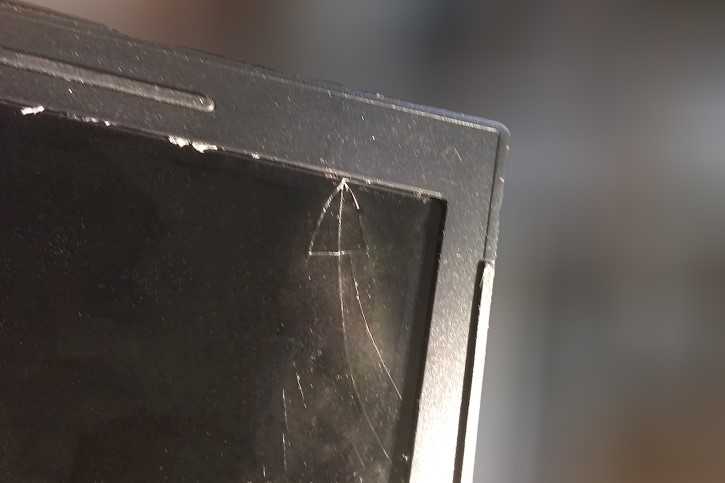
Cracked
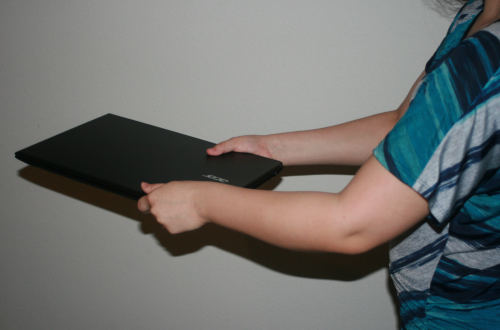
This can be caused by fall damage or an object falling onto the screen.
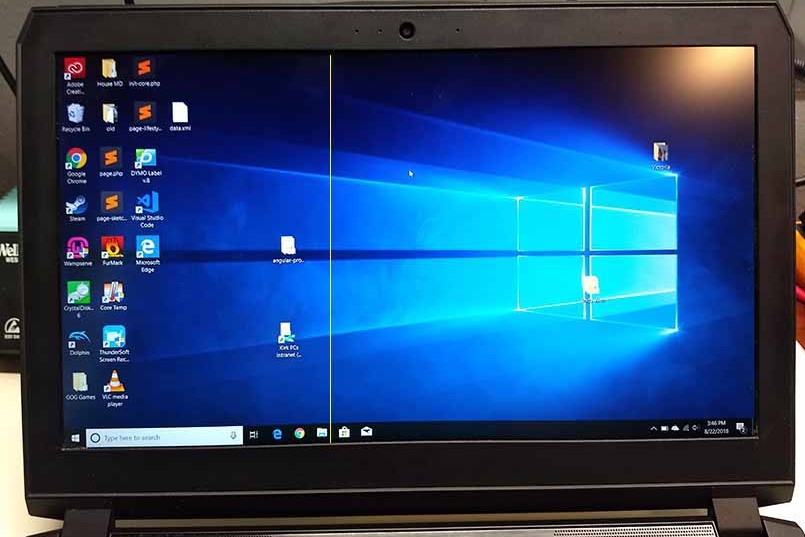
Stuck Pixels
Pixels on the screen are stuck on a single color (such as the yellow line here). This can have a number of causes and may require screen replacement. If your laptop came out of the box with stuck pixels, consult the manufacturer policy reagarding this before bringing it in for repair.
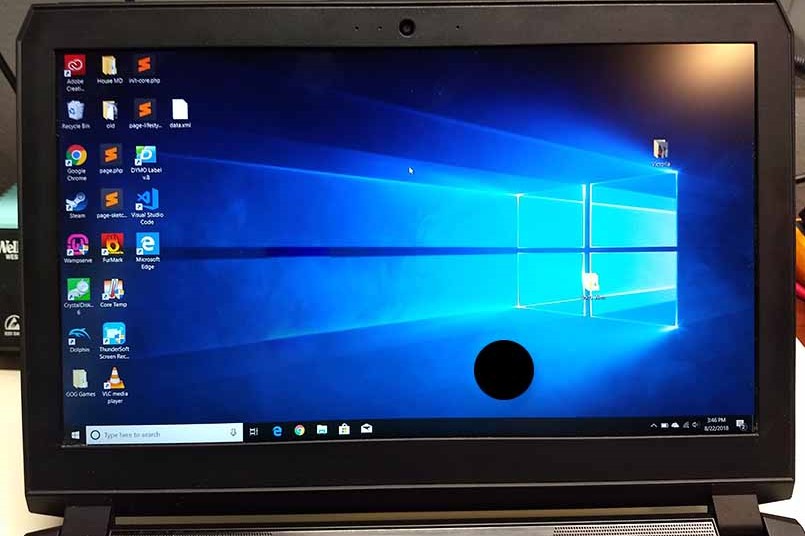
Dead Pixels
Small parts of the screen don’t function at all. This can be from damage such as dropping an object onto the screen. If your laptop came with this problem, contact the manufacturer to see if you can get a replacement.
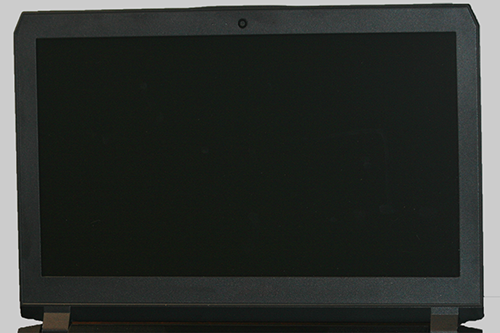
No Display
Nothing is showing on screen but the laptop is behaving normally otherwise. When the power button is pressed, the indicator light comes on but nothing happens on the screen. This can be a problem with the screen itself or a connection internally. We will diagnose the issue for free and inform you on how to proceed.
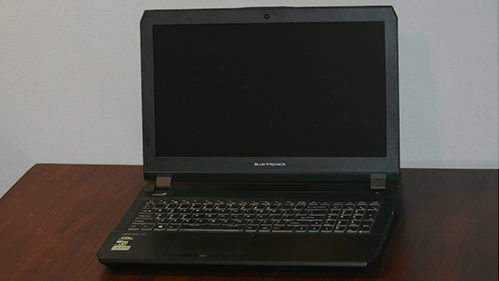
We work on all types of laptop screens
Standard Screen
A flat $50 charge for the repair plus the cost of the new screen. These typically run from $50-$70. Allow 1-2 business days plus the time it takes for the part to arrive.
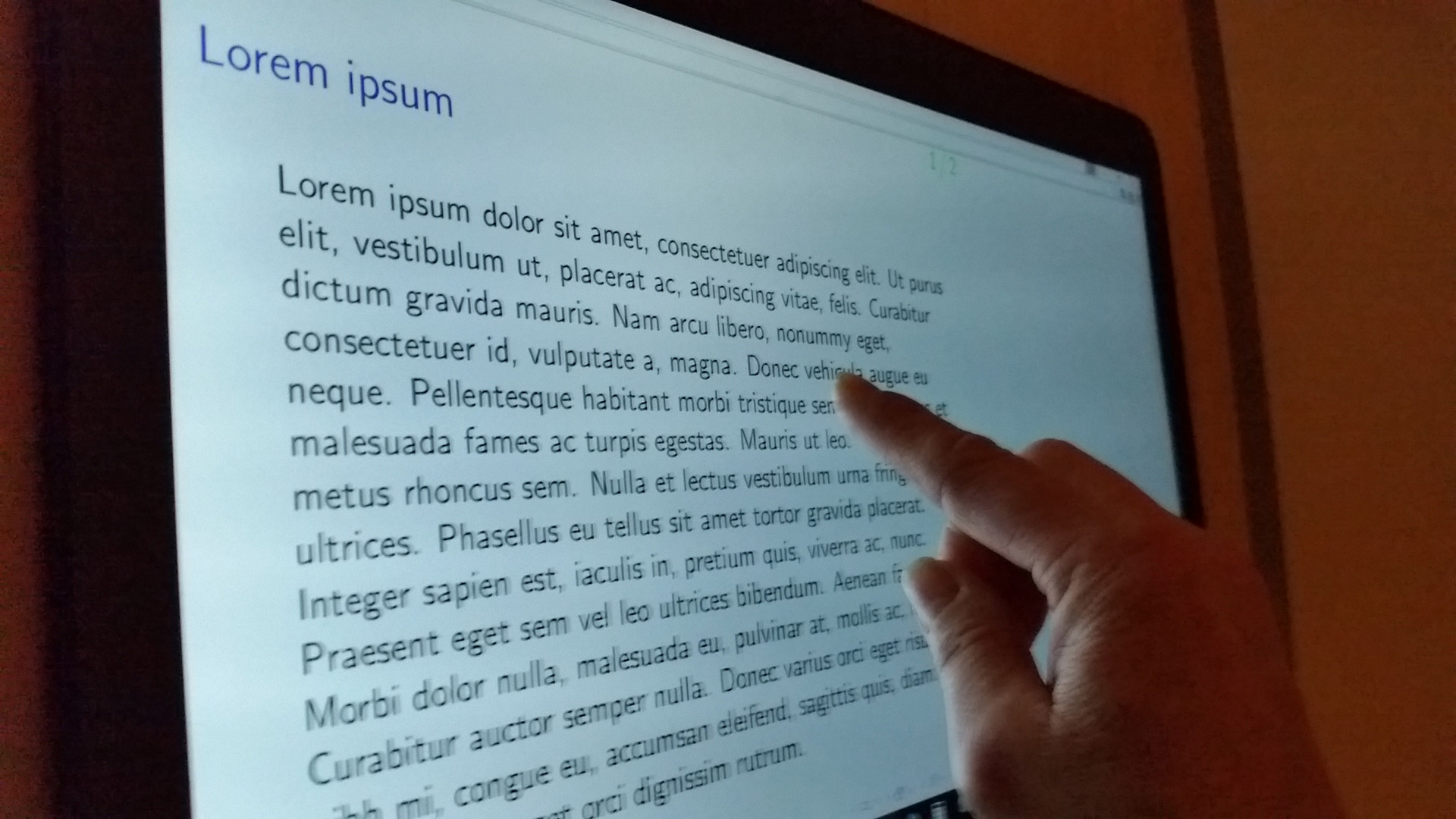
Touchscreen
A flat $70 charge for the repair plus the cost of the new screen ($70-100). Repairing a touchscreen is an intricate process so please allow up to 2-3 business days so that we may provide the best repair possible on your laptop.
Malware/Virus Removal
Types of Malware
Viruses
Rootkits
Spyware
Ransomware
Malicious Browser Extensions / Hijacks
Viruses
Viruses, one of the oldest known malware types, are rogue executable programs that infect a computer’s operating system and other programs. This is usually accomplished by fooling the user into opening an e-mail attachment or other file that’s often disguised to appear legitimate. Once opened, viruses will exploit vulnerabilities in the operating system. Viruses primarily affect computers running Windows.
Close
Rootkits
Rootkits are notoriously difficult forms of malware to detect and eliminate once installed. This type of malacious software uses various means including phishing and social engineering to obtain administrator access to the system. Once they have administrator access and privileges, they can use a wide variety of techniques to hide from the user. Rootkits can attack a system at its most basic level and render it entirely unusable.
Close
Spyware
Spyware refers to malware programs that monitor user activity to get information and serve up targeted ads to the user. It can also be used for the more nefarious purpose of obtaining sensitive password or financial information. It’s more likely to stay hidden from the user when used for more malicious purposes.
Close
Ransomware
Ransomware encrypts files on the user’s computer to prevent access to them until a ransom is paid. The ransom is usually demanded in bitcoin or some other cryptocurrency to obfuscate the identity of the creator of the ransomware. It is sometimes not feasible to recover the files once encrypted, but decrypting programs exist for certain forms of ransomware.
Close
Malicious Browser Extensions / Hijacks
These are common types of malware that alter the homepage of your browser or other settings. Rogue browser extensions have recently been used to mine cryptocurrency for the creator of the malware. Evidence of this is very high CPU usage when the computer appears to be idle.
Close
We remove all of the above types of malware from your system and will return it to you within 1-2 business days. The flat rate charge is $50 for all malware removal.
Common Signs of Malware Infection
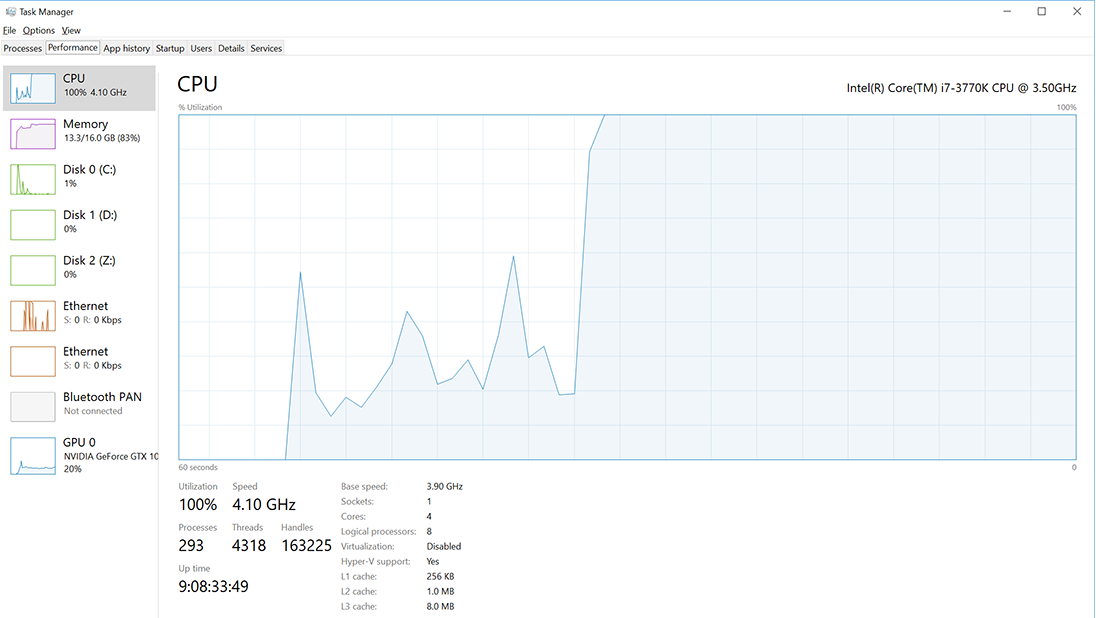
CPU usage staying at or near 100% when viewed in the task manager. The task manager can be accessed by pressing the Ctrl+Alt+Del keys simultaneously.
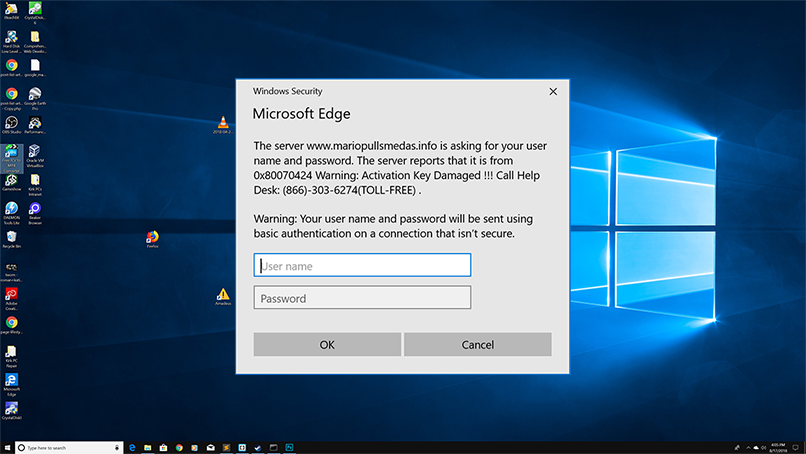
Ads appearing on the Desktop when a web browser is not being used.
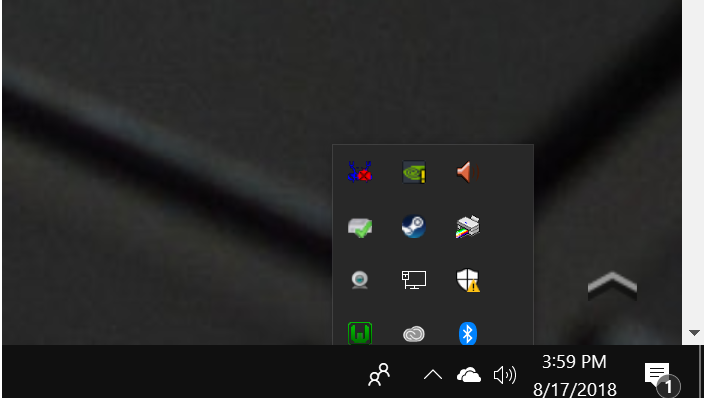
Slow startup with additional icons seen loading into the Windows tray. The Windows tray is in the lower-right corner of the Windows taskbar.
In some cases it will be necessary to reset the system to a previous state. At KirkPCs, preserving the data on your computer is a top priority and we will do a backup of all data to ensure that you don’t lose anything.





 Facebook message if you have further questions.