


HDD
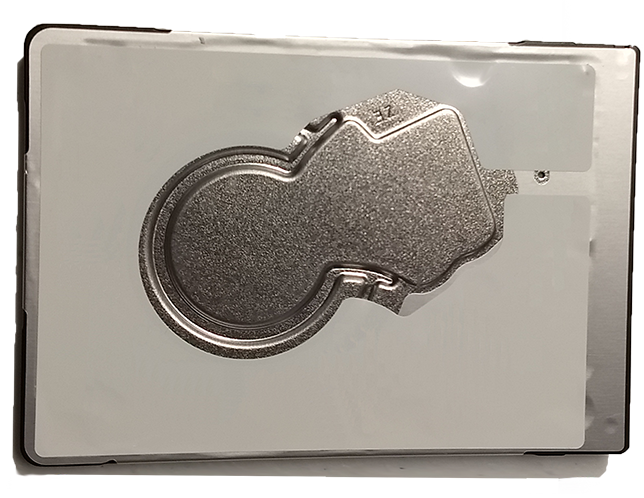
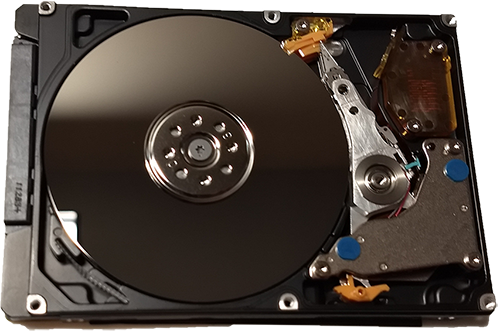
This is the hard drive (also called an HDD) that you probably have in your laptop. It uses mechanical parts to read from the disk. Your applications have to wait for the parts to be in place before they are loaded.
SSD
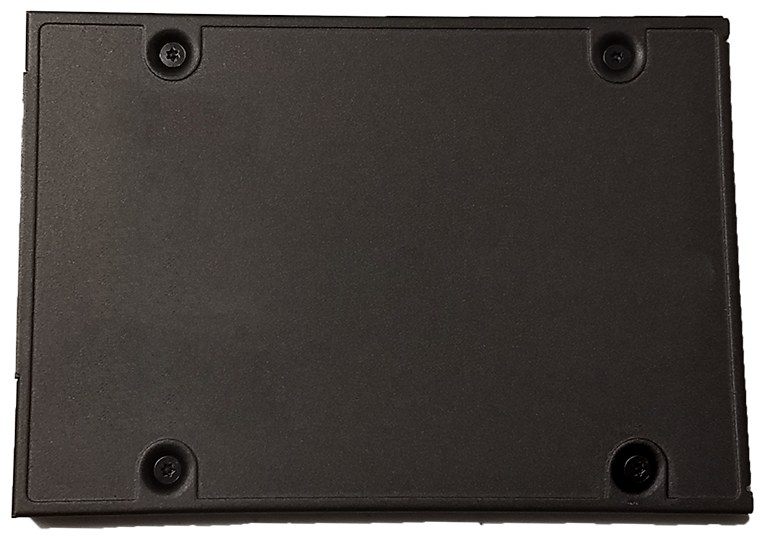
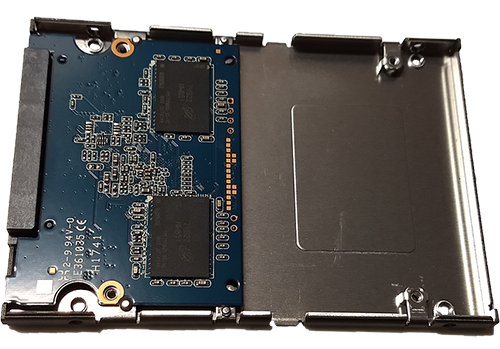
BENEFITS OF UPGRADING TO A SOLID STATE DRIVE

Performance
An SSD shows 3x to 5x increased performance (charts below) over standard hard drives. This incease is even more pronounced for loading times.
Reliability
An SSD contains no moving internal parts, this enhances reliability and greatly reduces loading times.

Easy to Upgrade
When using this upgrade service your original applications and data will be preserved.* The computer is returned to you booting up just as before, only faster.
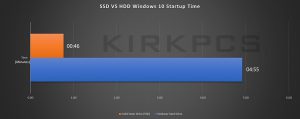
Startup time in Windows 10 of a hard drive VS a solid state drive.
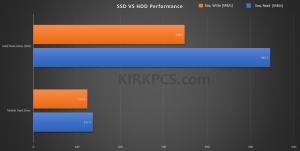
This is a benchmark designed to measure the read and write speed of data.
Benchmark Details
PROCESS
Order
 Facebook message if you have further questions.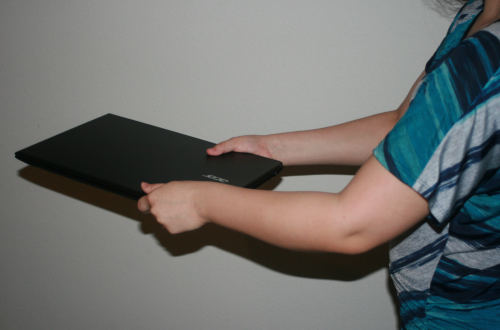
Drop-Off

Finished.
Solid State Drives are not recommended for the following uses:
- Backup / Large Capacity Storage
- Pricewise, SSDs are not the best value for backups and high capacity >1TB storage. We will upgrade larger drives but will be sure the price is acceptable to you.
- Storage above 85% of the capacity of the drive
- It is good practice to keep a solid state drive below 85% capacity, as this will increase the life. SSDs use a special mechanism to extend drive life which can be impaired by keeping too much data on the drive. Be sure that the SSD you order through us has enough capacity to store all of your data with some room for expansion. Use the calculator above to figure out which SSD size is right for you.